> ## Documentation Index
> Fetch the complete documentation index at: https://docs.heroncopier.com/llms.txt
> Use this file to discover all available pages before exploring further.
# Welcome to Heron Copier
export const HeroCard = ({img, title, description, href}) => {
return

{title}
{description}
;
};
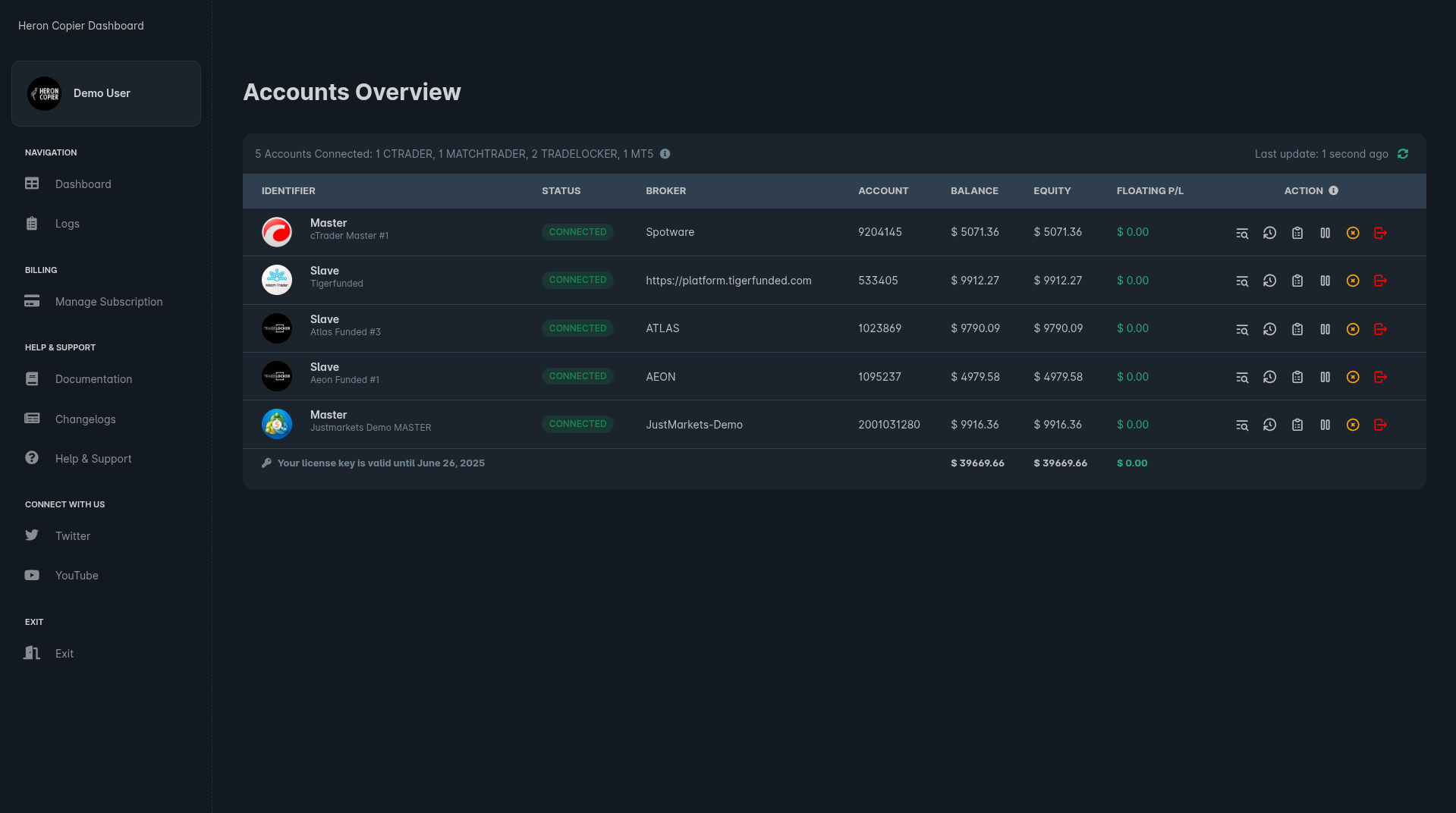 Heron Copier is a multiplatform trade copier and trading journal that supports [both cloud and local deployment](/local-vs-cloud)
Using our trade copier, you can copy your trades between any number of cTrader/MetaTrader 4/MetaTrader 5/TradeLocker/MatchTrader/DXTrade accounts (pretty much any combinations of them). Any trades made will also be recorded in your trading journal, providing you with a comprehensive record of your trading journey with meaningful metrics and insights.
This documentation will guide you through the process of setting up and using Heron Copier in both cloud and local environments.
You can go to the [Quick Start Guide](/setup/setup) to quickly setup the copier, or if you want to learn more about [how the copier works](/howdoesthecopierwork) so that you can setup various [use cases](/usecases), please refer to the respective sections.
Set up Heron Copier (Cloud or Local) in minutes!
Monitor and manage your trades in real-time
Read more about different configuration options
Learn about how Heron Copier works
Explore different use cases for Heron Copier
Frequently asked questions
Heron Copier is a multiplatform trade copier and trading journal that supports [both cloud and local deployment](/local-vs-cloud)
Using our trade copier, you can copy your trades between any number of cTrader/MetaTrader 4/MetaTrader 5/TradeLocker/MatchTrader/DXTrade accounts (pretty much any combinations of them). Any trades made will also be recorded in your trading journal, providing you with a comprehensive record of your trading journey with meaningful metrics and insights.
This documentation will guide you through the process of setting up and using Heron Copier in both cloud and local environments.
You can go to the [Quick Start Guide](/setup/setup) to quickly setup the copier, or if you want to learn more about [how the copier works](/howdoesthecopierwork) so that you can setup various [use cases](/usecases), please refer to the respective sections.
Set up Heron Copier (Cloud or Local) in minutes!
Monitor and manage your trades in real-time
Read more about different configuration options
Learn about how Heron Copier works
Explore different use cases for Heron Copier
Frequently asked questions